
Sabrina
The software that shows you every parcel.
Developed in the group and available to our clients: it plans, guides the driver and shows you every parcel, from loading to the door.
- Live tracking
- Photo proof of delivery
- API integration
See it
A parcel, stage by stage.
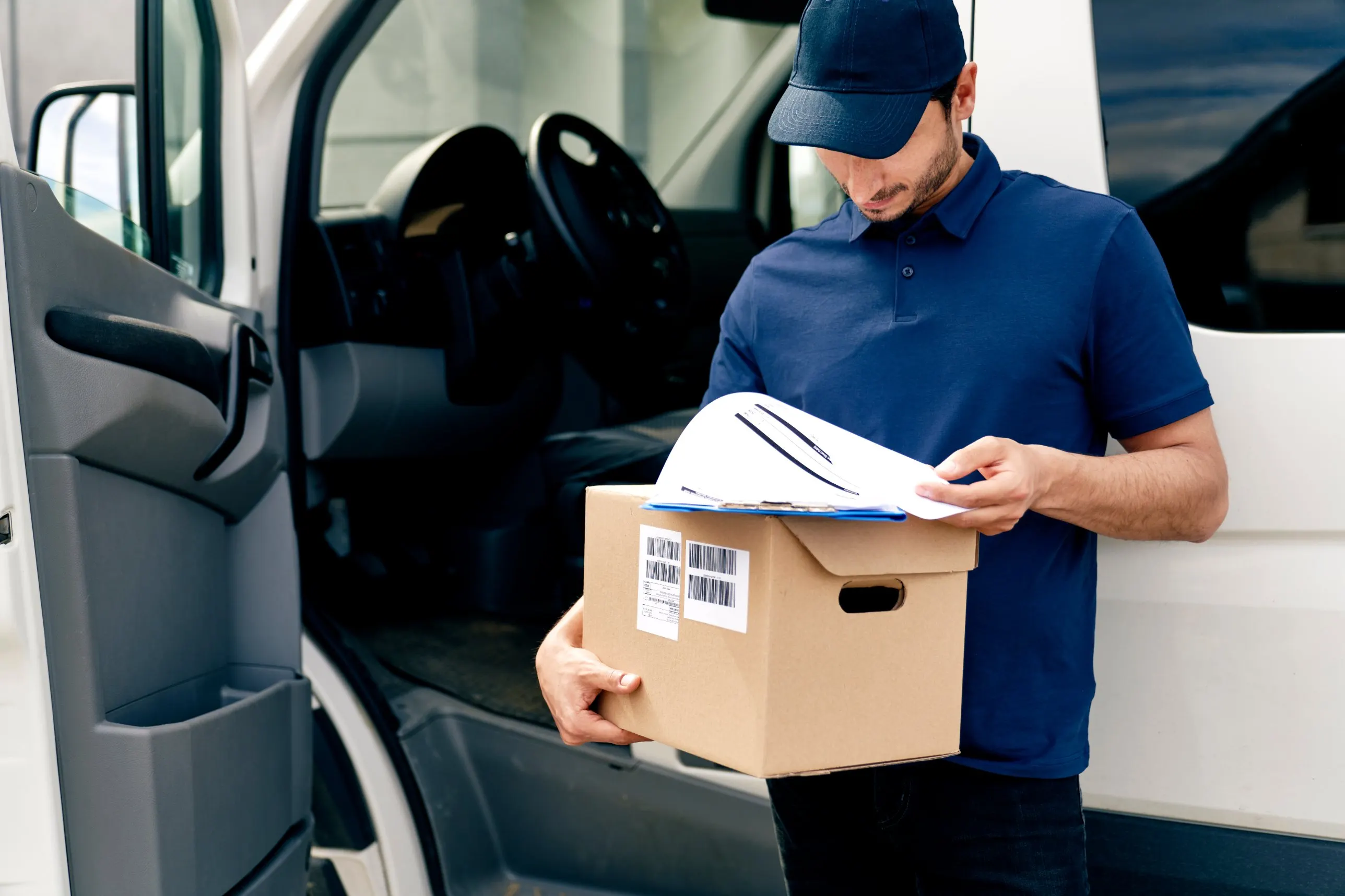
An example with test data: this is how a client follows a parcel from loading to the door.
| 06:12 | Order received from the client by API |
| 06:15 | Assigned to route 14, stop 22 of 38 |
| 06:15 | Expected arrival 09:10–09:40 |
| 06:12 | Order received from the client by API |
| 06:15 | Assigned to route 14, stop 22 of 38 |
| 06:15 | Expected arrival 09:10–09:40 |
| 06:41 | QR code scanned at the depot |
| 06:52 | Proof of loading: photo of the load saved |
| 06:55 | Route 14 confirmed: 38 stops |
| 06:12 | Order received from the client by API |
| 06:15 | Assigned to route 14, stop 22 of 38 |
| 06:15 | Expected arrival 09:10–09:40 |
| 06:41 | QR code scanned at the depot |
| 06:52 | Proof of loading: photo of the load saved |
| 06:55 | Route 14 confirmed: 38 stops |
| 07:05 | Left the depot |
| 08:58 | Stop 21 delivered |
| 09:02 | Expected arrival updated: 09:15–09:30 |
| 06:12 | Order received from the client by API |
| 06:15 | Assigned to route 14, stop 22 of 38 |
| 06:15 | Expected arrival 09:10–09:40 |
| 06:41 | QR code scanned at the depot |
| 06:52 | Proof of loading: photo of the load saved |
| 06:55 | Route 14 confirmed: 38 stops |
| 07:05 | Left the depot |
| 08:58 | Stop 21 delivered |
| 09:02 | Expected arrival updated: 09:15–09:30 |
| 09:24 | Delivered to the recipient |
| 09:24 | Proof of delivery: photo at the door |
| 09:25 | Status sent to the client |
What it does
From depot to door, in one place.
What a client gets with Sabrina.
Driver app
The route, the stops and the scans in the driver’s hand, with photo support at every delivery.
- Route
- QR scanning
- Photos
Control panel
Routes, resources and calendars for the people who run the day.
- Planning
- Resources
- Calendars
Client panel
Orders, statuses and proofs of delivery for you, with profiles by role.
- Statuses
- Proofs
- Roles
Real-time tracking
Where each parcel is, whether routes keep to plan, and an expected arrival time.
- Live position
- Route checks
- ETA
Reports and analysis
Results by route and by day, to improve the service week after week.
- Reports
- Trends
- Improvement
API integration
Orders in, statuses and proofs of delivery out, straight into your systems, without retyping.
- Orders in
- Statuses out
- Docs on request
Questions
About Sabrina.
Do we need to install anything?
No. You use the client panel in a browser; the integration by API is optional.
Where does the proof of delivery come from?
From the driver app: a scan at every stop and a photo at the door, visible in your panel.
How do we get the API documentation?
Ask for it from the contact form, choosing “API integration”.
Want to see it on your parcels?
Ask for the API documentation or a demonstration of the client panel.